
Getting Started
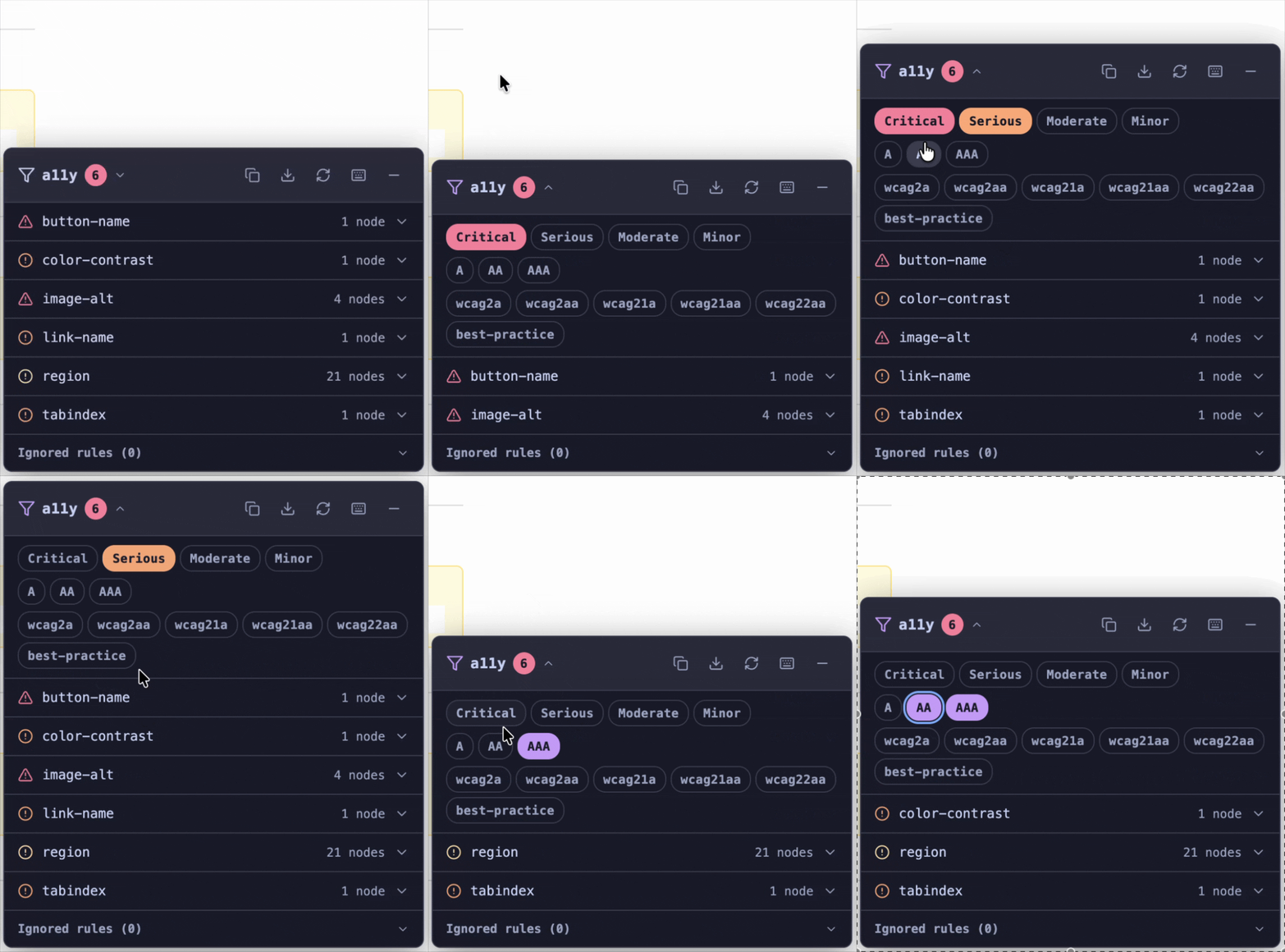
a11y-hud is a dev-only overlay that runs axe-core accessibility audits inside your running web app. It renders a floating panel listing every detected violation — no browser extension, no build-time transformation, no framework lock-in.
Who it's for
- App developers doing local a11y work during development.
- QA / a11y reviewers poking at staging without installing axe DevTools.
Installation
bash
npm install --save-dev a11y-hudbash
pnpm add -D a11y-hudbash
yarn add -D a11y-hudCDN / script tag — no install needed:
html
<script src="https://cdn.jsdelivr.net/npm/a11y-hud/dist/index.umd.js"></script>First mount
Imperative (any framework)
js
import { mount } from "a11y-hud";

// Gate behind DEV check so it never ships to production
if (import.meta.env.DEV) {
  mount({ theme: "auto" });
}
Declarative (script-tag path)
html
<script src="https://cdn.jsdelivr.net/npm/a11y-hud/dist/index.umd.js"></script>
<a11y-hud theme="auto"></a11y-hud>
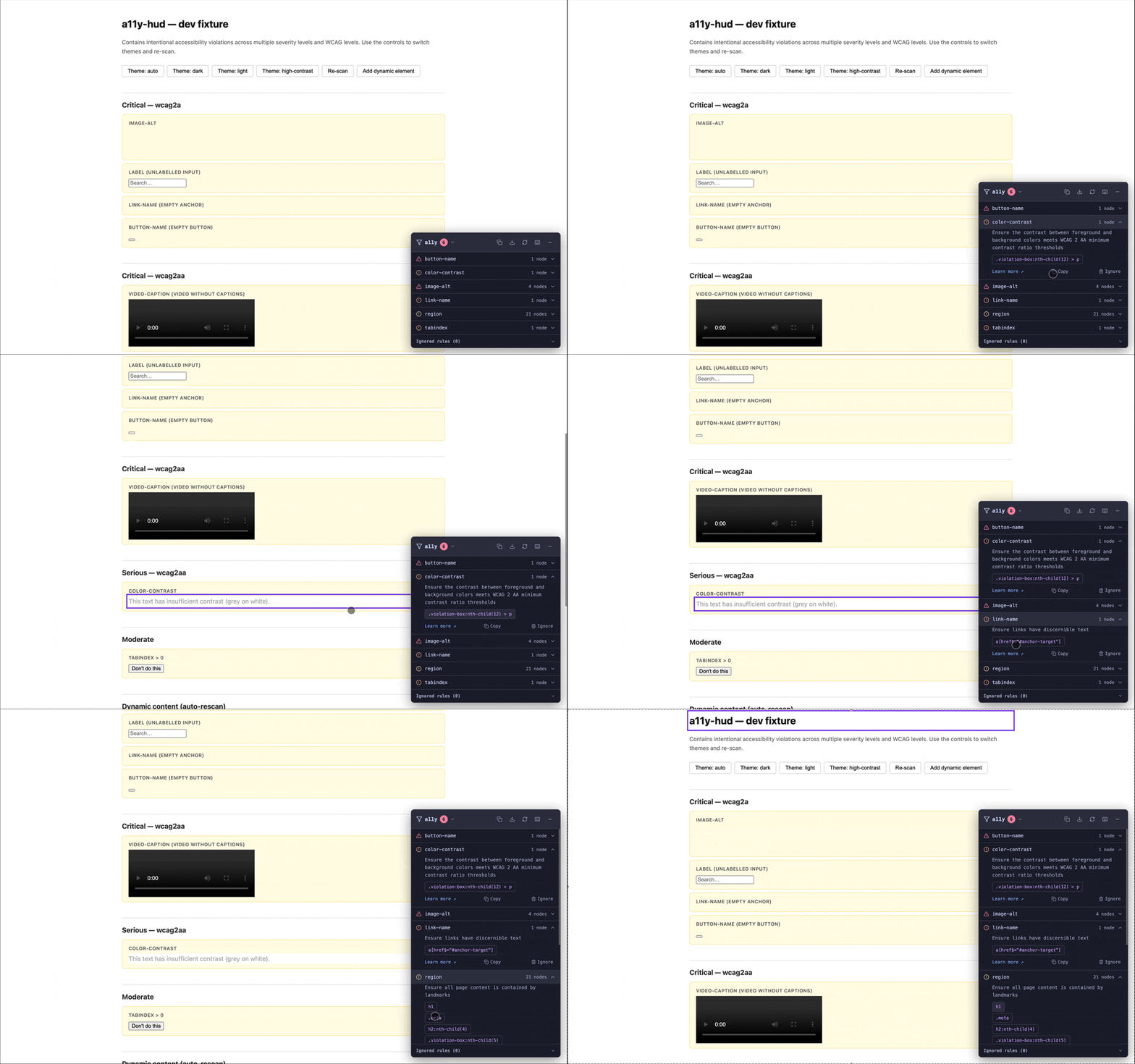
Click to highlight
Clicking a node selector in the panel outlines the corresponding element on the page.
Headless (CI / programmatic)
js
import { runScan } from "a11y-hud";

const results = await runScan(document.body);
if (results.violations.length > 0) {
  console.error("Accessibility violations found:", results.violations);
  process.exit(1);
}
Framework adapters
If you're using a framework, pick the matching adapter for a tighter integration that rescans automatically when your component tree re-renders.
| Framework | Package |
|---|---|
| React | @a11y-hud/react |
| Vue 3 | @a11y-hud/vue |
| Angular | @a11y-hud/angular |
| Svelte 5 | @a11y-hud/svelte |
| Solid | @a11y-hud/solid |
| Astro | Guide (no separate package) |
| Qwik | Guide (no separate package) |
What not to use it for
- Production sites — mount only in development. The HUD adds axe-core (~300KB) to the page.
- Storybook —
@storybook/addon-a11yis purpose-built for that workflow. - Server-side rendering — axe-core requires a live DOM. Mount after hydration.